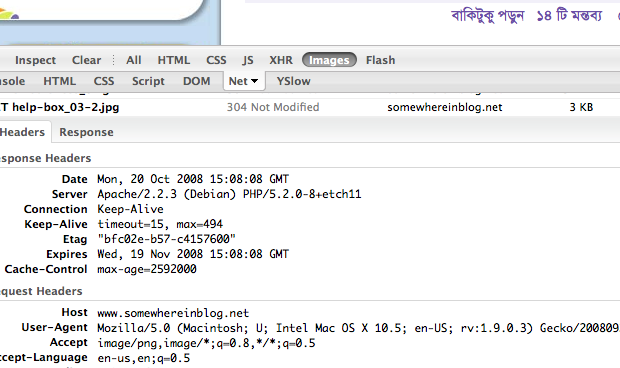
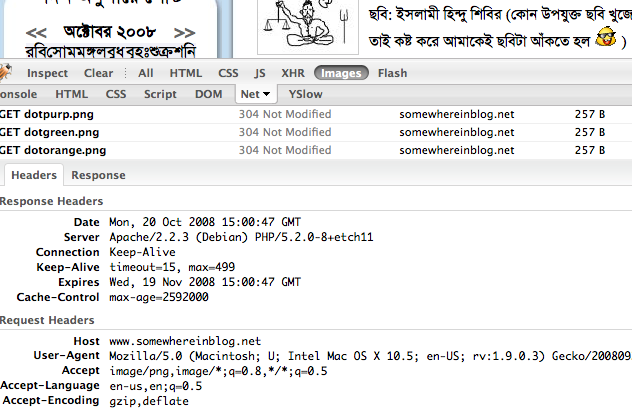
On the first post of this series we learned how to disable etags. in this post we will learn how to enable output compression.
Before enable this, let me introduce what deflate do. deflate is apache module, that main task is to compress all the output before serving or sending to client.
Nowadays most of the browser are enough expert to handle this. Here main technique is , apache will send the output in compressed format, after receiving this output your browser will uncompress it and render the formated output.
This tricks will really improve your site performance, because user will get your site with less time and bandwidth.
Let me give you an example: let’s think if you are using jquery javascript library that size is 94 Kilo bytes, but if you enable the deflate with default configuration, it will be only 14 Kilo bytes. unbelievable right ? believe me, it’s true. And we are using this on our most popular product http://www.somewhereinblog.net .
OK, now i am showing how you will do this:
first of all you need to enable deflate module. You know i am debian fan, so i am giving commands for debian linux, other linux/unix commands will almost same. as ubuntu is comes from debian, these commands will also work for ubuntu
Open a new terminal and give this command.
sudo a2enmod deflate
it will enable deflate. Wait, you are not finish yet. little work left.
create new file called deflate.conf in your apache conf.d folder. and paste the following code:
<Location />
# Insert filter
SetOutputFilter DEFLATE
# Netscape 4.x has some problems…
BrowserMatch ^Mozilla/4 gzip-only-text/html
# Netscape 4.06-4.08 have some more problems
BrowserMatch ^Mozilla/4\.0[678] no-gzip
# MSIE masquerades as Netscape, but it is fine
BrowserMatch \bMSIE !no-gzip !gzip-only-text/html
# Don’t compress images
SetEnvIfNoCase Request_URI \
\.(?:gif|jpe?g|png)$ no-gzip dont-vary
# Make sure proxies don’t deliver the wrong content
Header append Vary User-Agent env=!dont-vary
</Location>
save the file, and restart apache.
sudo /etc/init.d/apache2 restart
that’s all. now you can see the different.
**if you have not enabled header module of apache, please remove the line “Header append Vary User-Agent env=!dont-vary” from deflate.conf .
For more customization or option of deflate, please visit http://httpd.apache.org/docs/2.2/mod/mod_deflate.html